Download & Register
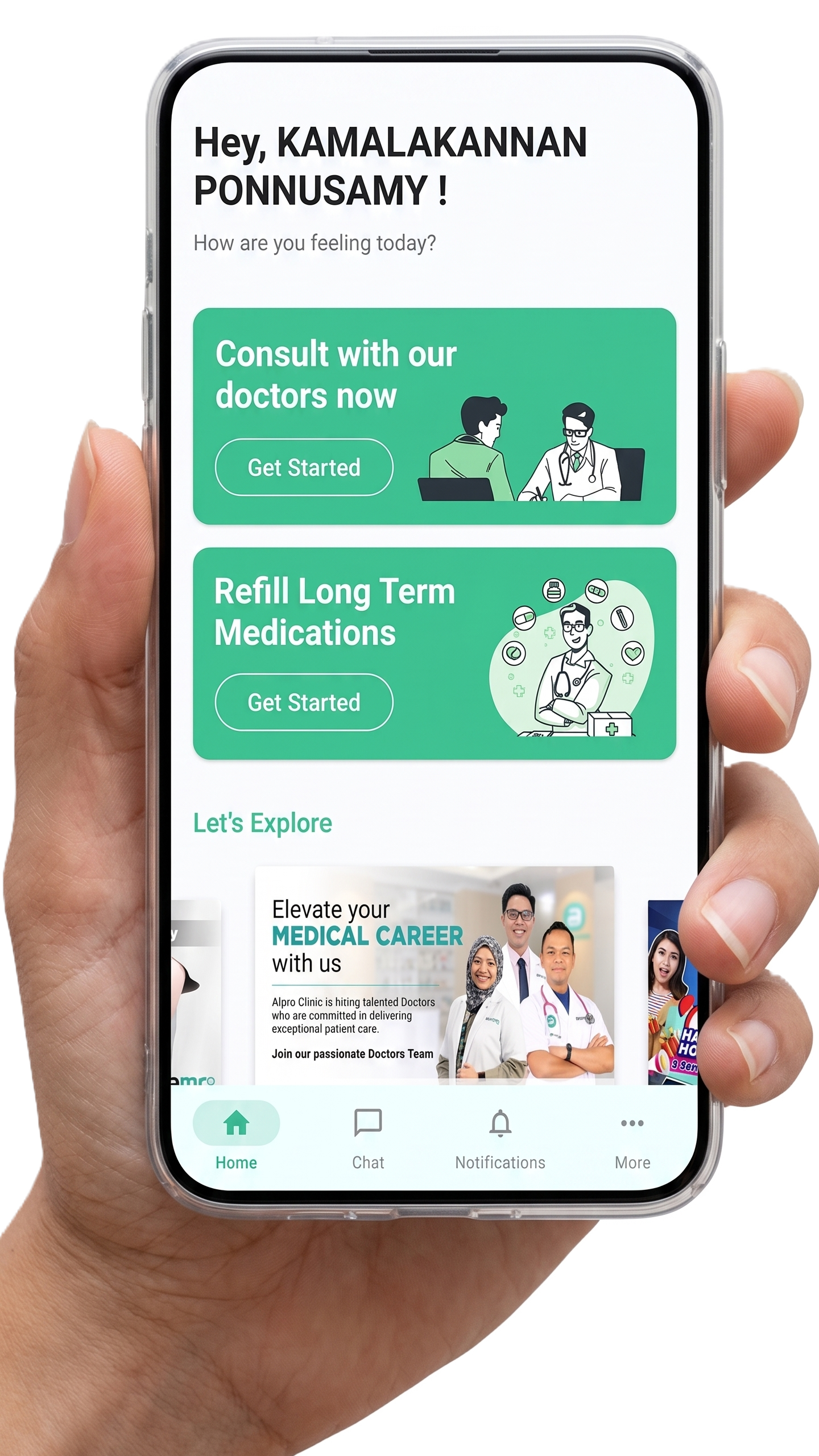
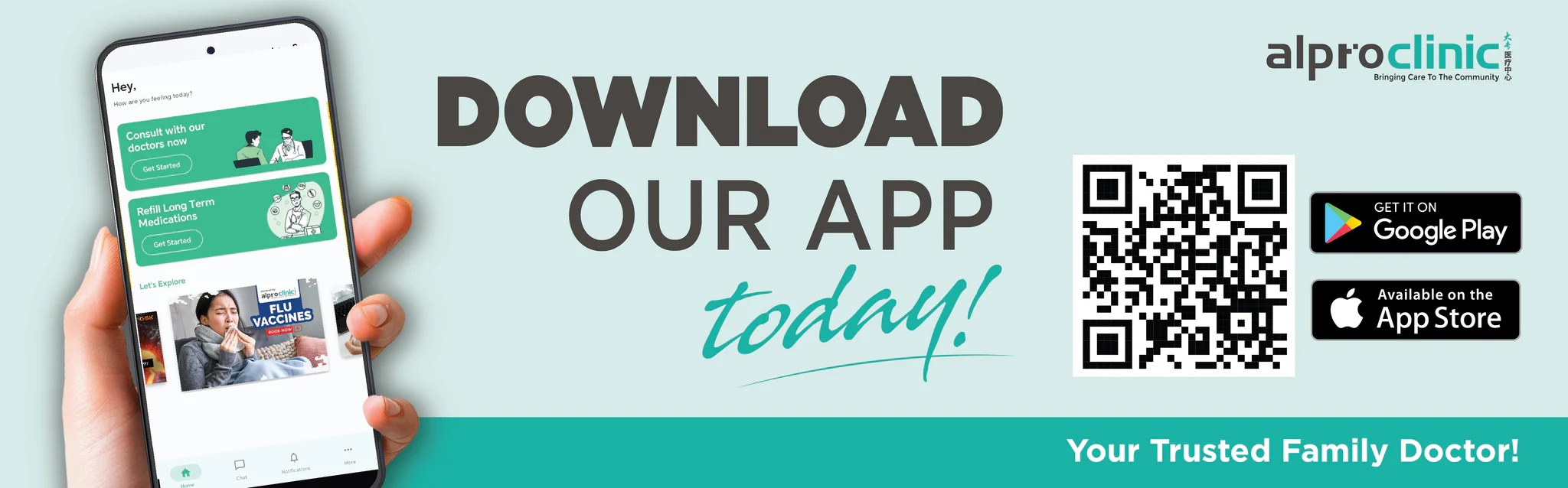
Download the Alpro Clinic App and register using your university student or staff ID to unlock subsidised rates (verified by student/staff ID only).
CampusCare keeps the student journey simple: verify, consult, and receive support without leaving campus unnecessarily.
Student journey
Download the Alpro Clinic App and register using your university student or staff ID to unlock subsidised rates (verified by student/staff ID only).
Book a teleconsultation with licensed doctors and describe your symptoms from your dorm, office, or study area.
If prescribed, medication is prepared and delivered directly to your campus location on the same day.
What to prepare
Students and staff should use their official institution details when registering in the Alpro Clinic App. This helps CampusCare confirm eligibility and apply the correct partner access.
FAQ
The RM29 cap covers both the teleconsultation and prescribed medication for 25+ common minor illness types, including fever, cold, flu, mild allergies, and stomach upsets.
Active students and verified academic or management staff of partnered universities and colleges are eligible after status verification through the Alpro Clinic App.
Same-day door-to-door delivery is available to campus locations for prescriptions issued during standard operating hours.
Yes. CampusCare operates through a licensed digital healthcare platform that follows data privacy and medical confidentiality requirements.